
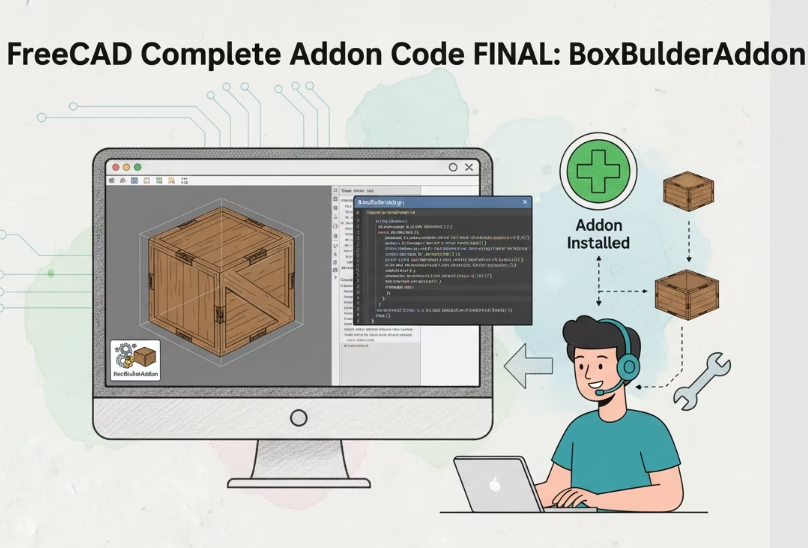
📦 Complete Addon Code FINAL: BoxBuilderAddon
A complete, ready-to-use “Box Builder” addon with all improvements from the course — in one archive. Simply unpack and place the folder in Mod.
A complete, ready-to-use “Box Builder” addon with all improvements from the course — in one archive. Simply unpack and place the folder in Mod.
📘 Tutorial: Creating Addons for FreeCAD Lesson Goal: Add icons to buttons and the workbench to make the addon look professional. In This Article 🖼 Part 1. Supported Icon Formats📁 Part 2. Icon Folder Structure🎨…
📘 Tutorial: Creating Addons for FreeCAD Lesson Goal: Make the “Box Builder” addon remember the last entered dimensions and restore them on the next launch. In This Article 💾 Part 1. How FreeCAD stores settings?Main…
📘 Tutorial: Creating Addons for FreeCAD Lesson Goal: Create a window with fields for entering length, width, and height, and build a box with these parameters by clicking a button. In This Article 🖼 Part…
📘 Tutorial: Creating Addons for FreeCAD Lesson Goal: Learn to create solid bodies (boxes, cylinders) via Python, understand the FreeCAD document structure, and create an addon that builds a parametric part. In This Article 🧱…
📘 Tutorial: Creating Addons for FreeCAD Lesson Goal: Create a simple addon that adds a new workbench with a button, and displays a message when clicked. In This Article 📁 Step 1. Preparing the Addon…
Lesson Goal: Prepare the addon for distribution, create metadata, and publish it on GitHub so that any FreeCAD user can install it with a single click.