
My notes on using AI and machine learning to extract and analyze data from the web. I write articles and educational materials, share experiments in web scraping, automation, personal projects, and ideas about the future of the digital world. I also contribute to the open-source community. A place where theory meets practice and code comes alive.
 Index:
Index:- ⚡ PowerShell Philosophy (16)
- Gemini CLI (3)
- LLMs: Articles, Practical Materials, and Resources (6)
- 💻 Computer Science (1)
- 📑 Cheat Sheets (15)
- 📖 Guides (2)
- FreeCAD (1)
- 📚 Learning Materials (15)
- Git (1)
- GitHub (1)
- How to Create Addons for FreeCAD (8)
- 🌐 WordPress (3)
- 🐍 Python (3)
- Git (1)
- 📝 Articles (1)
- 🕰️ IT History (1)
- 📰 IT News (2)
- 🛠️ DevOps (3)
- 🧪📓 Uncategorized (22)

Google OAuth: Where to Find Your Client ID and Client Secret
Google OAuth can sometimes seem confusing, especially when authentication has already been configured and an application suddenly asks for some kind of “Google key.” In practice, there are usually two related values involved: In this article, we’ll look at where to find them in Google Cloud Console and how to tell them apart. 1. What…
Read More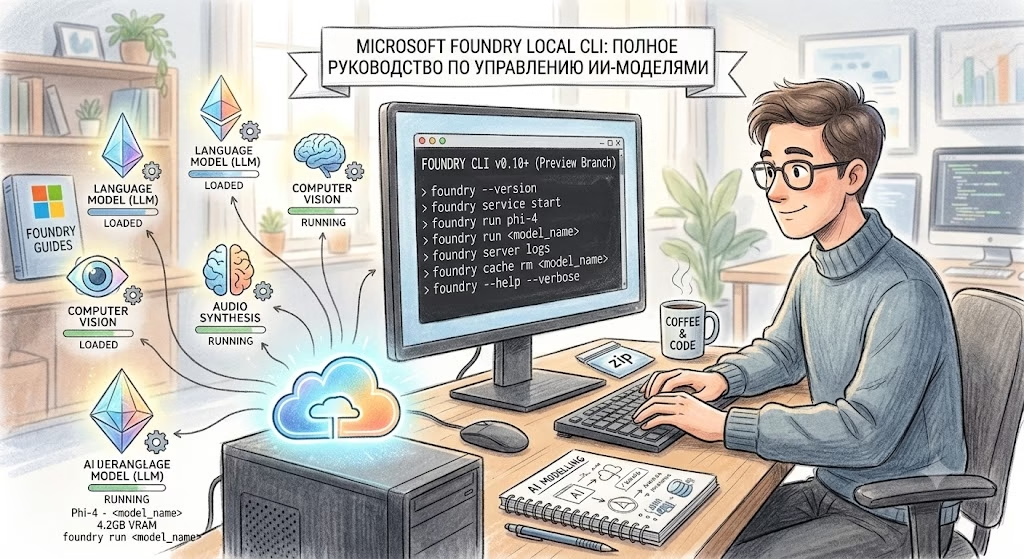
Microsoft Foundry Local CLI: A Complete Guide to Managing Local AI Models
Microsoft Foundry Local (foundry) is a powerful command-line interface (CLI) tool for running Large Language Models (LLMs) locally. It allows you to deploy an OpenAI-compatible API directly on your machine, manage model caching, and configure execution environments. The CLI is organized into three logical groups: service (managing the background process), model (working with AI models),…
Read More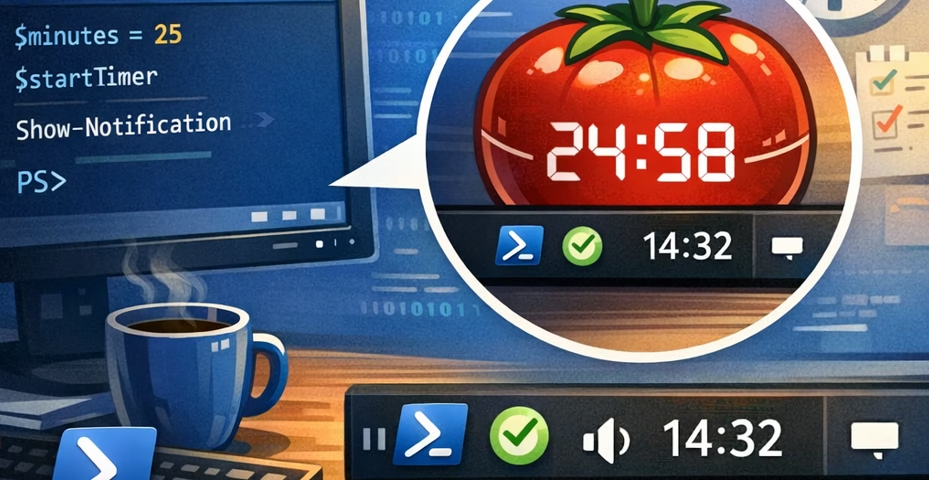
Building Your Own Pomodoro Timer in the System Tray with Pure PowerShell
Lightweight Pomodoro Timer that lives in the Windows System Tray—using 100% pure PowerShell.
Read More
WSL: Linux on Windows
Want to use Linux tools (Docker, Python, Node.js) without leaving Windows? Meet WSL (Windows Subsystem for Linux). It is a full Linux kernel running in parallel with your primary system. Before you begin, check your BIOS settings. Virtualization (VT-x or AMD-V) must be enabled. Without this, Linux will not launch. Let’s look at how to…
Read More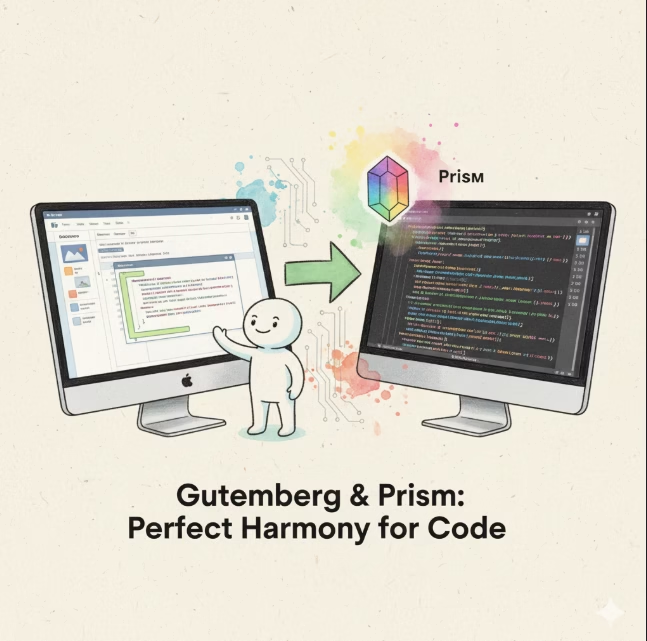
Code Highlighting in WordPress with Gutenberg and Prism.js
A guide to adding code highlighting in WordPress using Gutenberg and Prism.js. Learn how to set up, integrate, and style syntax highlighting blocks for clean, readable, and professional code presentation on your site or blog.
Read More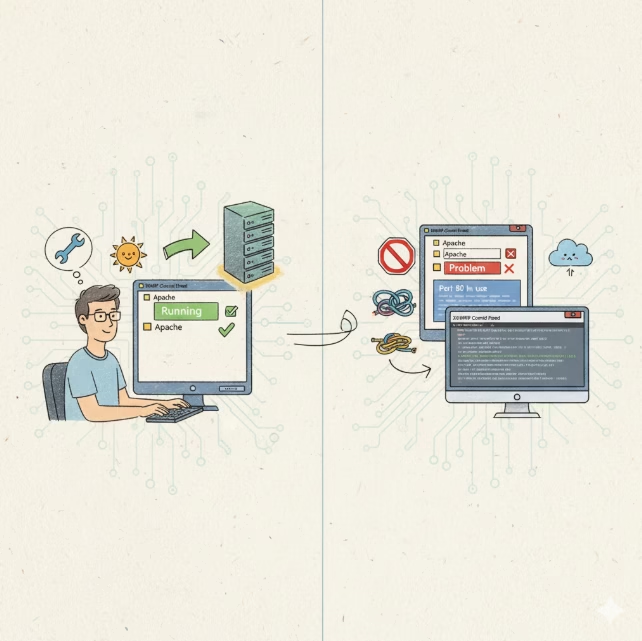
🚀 Complete Guide: How to Run Apache in XAMPP on Windows (with All Common Pitfalls)
XAMPP is a local web server package that includes Apache, MySQL (MariaDB), PHP, and Perl. The Apache service is the core of it — it serves your website when you open http://localhost. However, many developers encounter issues when trying to start Apache
Read More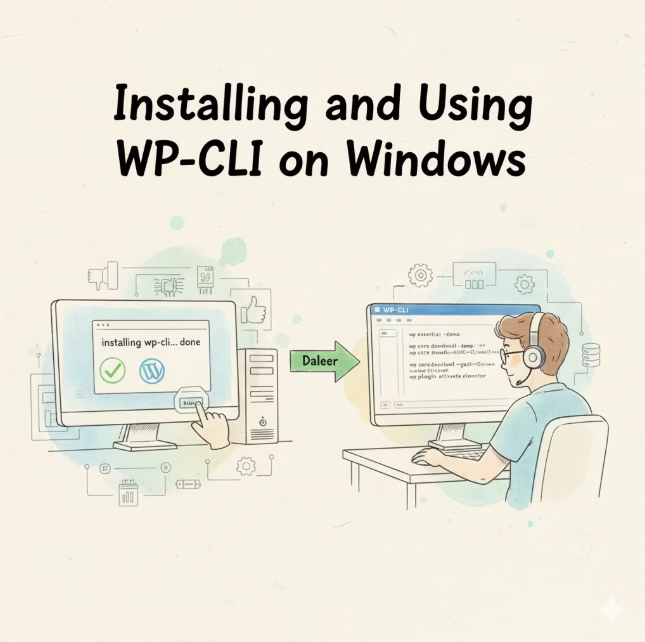
Installing and Using WP-CLI on Windows
A complete guide: what WP-CLI is, why you need it, how to install, configure, and use it on Windows.
Read More⚡ Optimized Version with optimum and onnxruntime
📊 What This Code Does Step Description 1. Load Downloads the model from Hugging Face Hub and automatically exports it to ONNX format. 2. Save Saves both model and tokenizer to a local directory. 3. Quantization Applies AVX512_VNNI optimization — reduces model size by 3–4× and boosts inference speed. 4. Load Optimized Model Loads the…
Read MoreWhy Do Neural Networks Still Get Fingers Wrong?
The quality of hand generation by neural networks is gradually improving, but the problem of anatomical accuracy still remains. Models often fail to correctly “count” fingers. Instead, they recognize a pattern similar to “a certain number of similar elements placed next to each other.”*) When a neural network tries to fill an area that, based…
Read More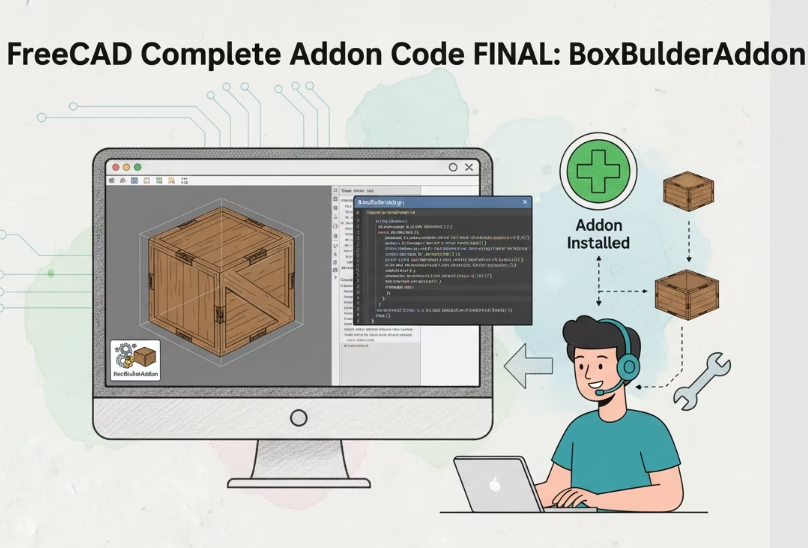
📦 Complete Addon Code FINAL: BoxBuilderAddon
A complete, ready-to-use "Box Builder" addon with all improvements from the course — in one archive. Simply unpack and place the folder in Mod.
Read MoreLesson 6. Icons and Visual Design
📘 Tutorial: Creating Addons for FreeCAD Lesson Goal: Add icons to buttons and the workbench to make the addon look professional. 🖼 Part 1. Supported Icon Formats FreeCAD supports: 💡 Icons should be simple, contrasting, and recognizable even at a small size (16×16 or 24×24 pixels). 📁 Part 2. Icon Folder Structure Inside your addon’s…
Read MoreLesson 5. Saving and Loading Settings
📘 Tutorial: Creating Addons for FreeCAD Lesson Goal: Make the “Box Builder” addon remember the last entered dimensions and restore them on the next launch. 💾 Part 1. How FreeCAD stores settings? FreeCAD provides a built-in mechanism for storing user parameters — through the Parameter Manager. It works with a hierarchical parameter database, similar to…
Read MoreLesson 4. Graphical User Interface (GUI): Dialog Box with Input Fields
📘 Tutorial: Creating Addons for FreeCAD Lesson Goal: Create a window with fields for entering length, width, and height, and build a box with these parameters by clicking a button. 🖼 Part 1. How GUI works in FreeCAD? FreeCAD uses PySide — a Python wrapper over the Qt library (the same one used in Blender,…
Read MoreLesson 3. Creating 3D Objects: Parametric Box
📘 Tutorial: Creating Addons for FreeCAD Lesson Goal: Learn to create solid bodies (boxes, cylinders) via Python, understand the FreeCAD document structure, and create an addon that builds a parametric part. 🧱 Part 1. How is a document structured in FreeCAD? Before creating objects, it’s important to understand the data hierarchy in FreeCAD: 💡 You…
Read MoreLesson 2. Your First Addon: «Hello World»
📘 Tutorial: Creating Addons for FreeCAD Lesson Goal: Create a simple addon that adds a new workbench with a button, and displays a message when clicked. 📁 Step 1. Preparing the Addon Folder Make sure you have the folder: If not, create it. 💡 The folder name is important: it must match the module name…
Read MoreLesson 1. Setting up the Development Environment
📘 Tutorial: Creating Addons for FreeCAD Lesson Goal: Set up everything necessary to create, test, and debug addons effortlessly. 🔧 Step 1. Make sure you have FreeCAD installed Requirements: 👉 If you don’t have FreeCAD yet, download it from the official website:🔗 https://www.freecad.org/downloads.php Choose: 💡 Tip: For learning, it’s better to use an installed version…
Read MoreLesson 7. Publishing an Addon: From Folder to GitHub and Addon Manager
Lesson Goal: Prepare the addon for distribution, create metadata, and publish it on GitHub so that any FreeCAD user can install it with a single click.
Read More🌍 How to Create a Multilingual WordPress Site on Subdomains: A Complete Guide for Beginners
You’ve decided it’s time for your website to speak multiple languages. Excellent idea! This will expand your audience and improve your search engine rankings. One of the most professional and convenient ways to do this is by using subdomains. Here’s what it looks like: This approach is favored by search engines (like Google) and is…
Read MoreMCP PowerShell Server Documentation. STDIO Server. (mcp-powershell-server-stdio.py)
Description The MCP PowerShell Server is a server that implements the Model Context Protocol (MCP) for executing PowerShell scripts. The server operates in STDIO mode and provides tools for the secure execution of PowerShell commands through a standardized interface. Architecture Main Components File Structure Functions ConvertFrom-JsonToHashtable Purpose: This function converts a JSON string into PowerShell…
Read MoreDeveloper Documentation: MCP PowerShell HTTP Server. (mcp-powershell-server-http.py)
1. Overview mcp-powershell-http.ps1 is a standalone HTTP server written in PowerShell, designed to securely execute PowerShell scripts remotely. It functions as a “bridge” between an external client (e.g., an AI assistant) and the local PowerShell environment, using the JSON-RPC 2.0 protocol for communication. Key Features: 2. Running and Configuration Requirements: Command-Line Parameters: Parameter Type Description…
Read MoreDetailed Guide to Using MCP PowerShell Server. (how-to-use.md)
Installation and Setup Prerequisites Initial Setup Choosing an Operating Mode: HTTP vs. STDIO Before diving into the details, it’s important to understand which of the two server operating modes is right for you. The choice depends on how and from where you plan to send commands. When to use HTTP mode? Choose HTTP if you…
Read MoreMCP PowerShell Server. README>
An MCP (Model Context Protocol) server for executing PowerShell scripts, supporting both HTTP and STDIO modes of operation. Description The MCP PowerShell Server allows AI assistants to execute PowerShell commands and scripts via the standardized MCP protocol. The server supports two modes of operation: Which mode to choose: HTTP or STDIO? The choice between mcp-powershell-http.ps1…
Read More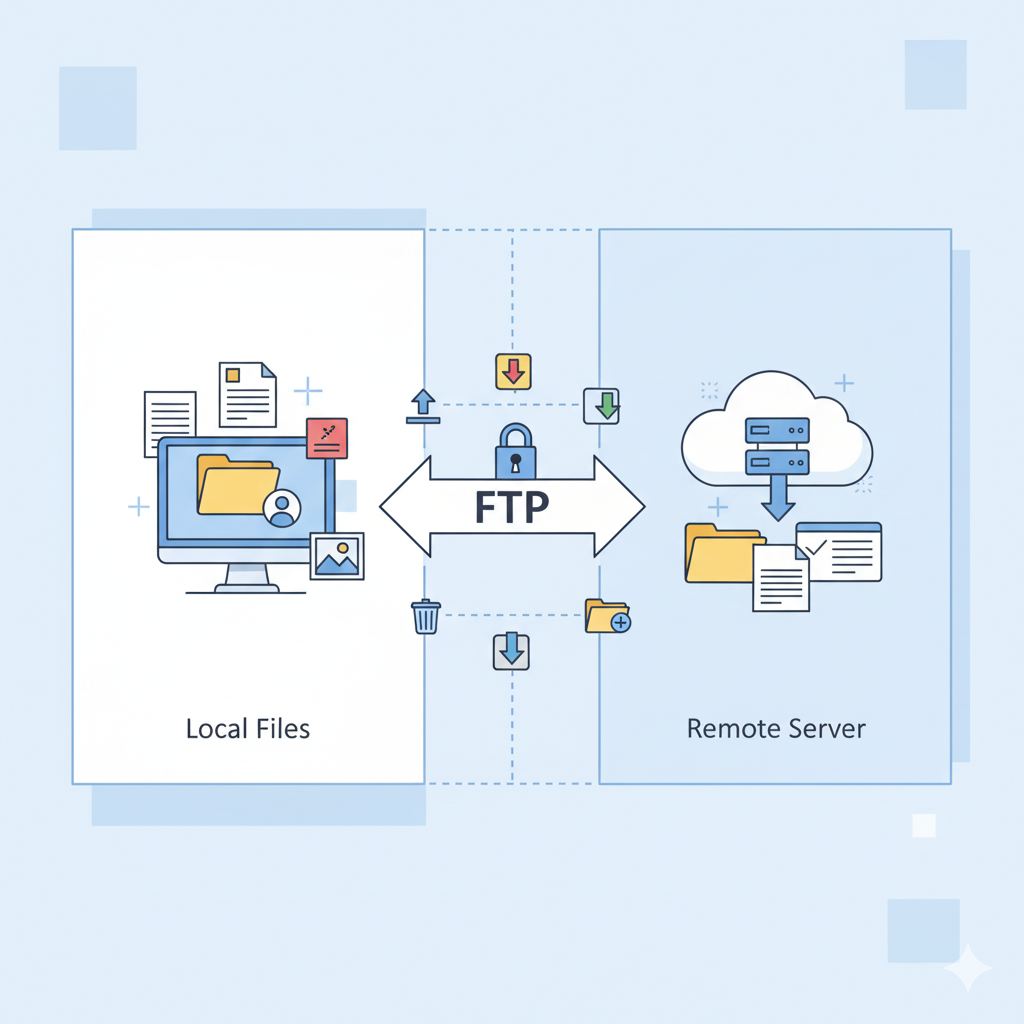
Essential FTP Commands
FTP (File Transfer Protocol) is used to transfer files between computers over a network. Below are the main FTP commands with descriptions and examples.
Read More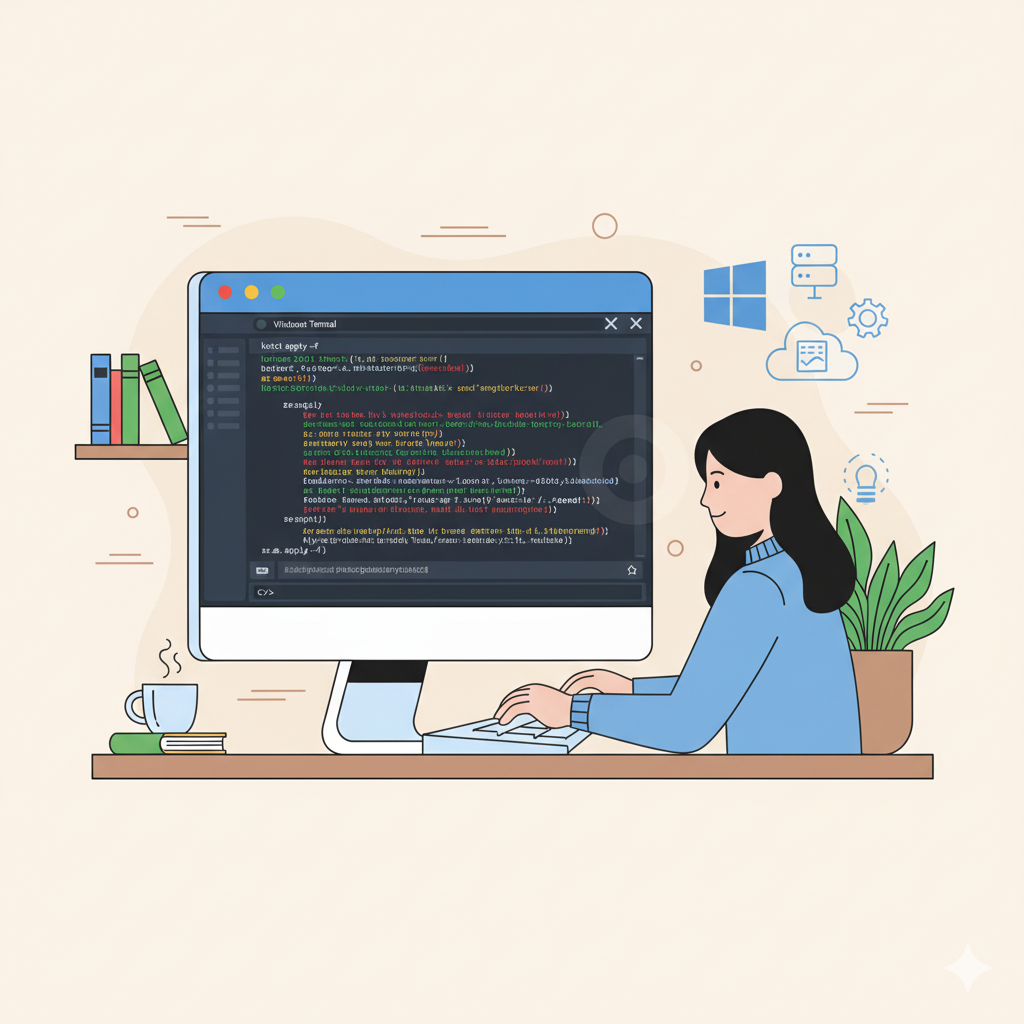
Essential PowerShell Commands
This article provides a practical guide to the most commonly used PowerShell commands. It includes syntax, options, and examples to help users efficiently manage files, system settings, and networks.
Read More