
My notes on using AI and machine learning to extract and analyze data from the web. I write articles and educational materials, share experiments in web scraping, automation, personal projects, and ideas about the future of the digital world. I also contribute to the open-source community. A place where theory meets practice and code comes alive.
 Index:
Index:- ⚡ PowerShell Philosophy (16)
- Gemini CLI (3)
- LLMs: Articles, Practical Materials, and Resources (6)
- 💻 Computer Science (1)
- 📑 Cheat Sheets (15)
- 📖 Guides (2)
- FreeCAD (1)
- 📚 Learning Materials (15)
- Git (1)
- GitHub (1)
- How to Create Addons for FreeCAD (8)
- 🌐 WordPress (3)
- 🐍 Python (3)
- Git (1)
- 📝 Articles (1)
- 🕰️ IT History (1)
- 📰 IT News (2)
- 🛠️ DevOps (3)
- 🧪📓 Uncategorized (22)
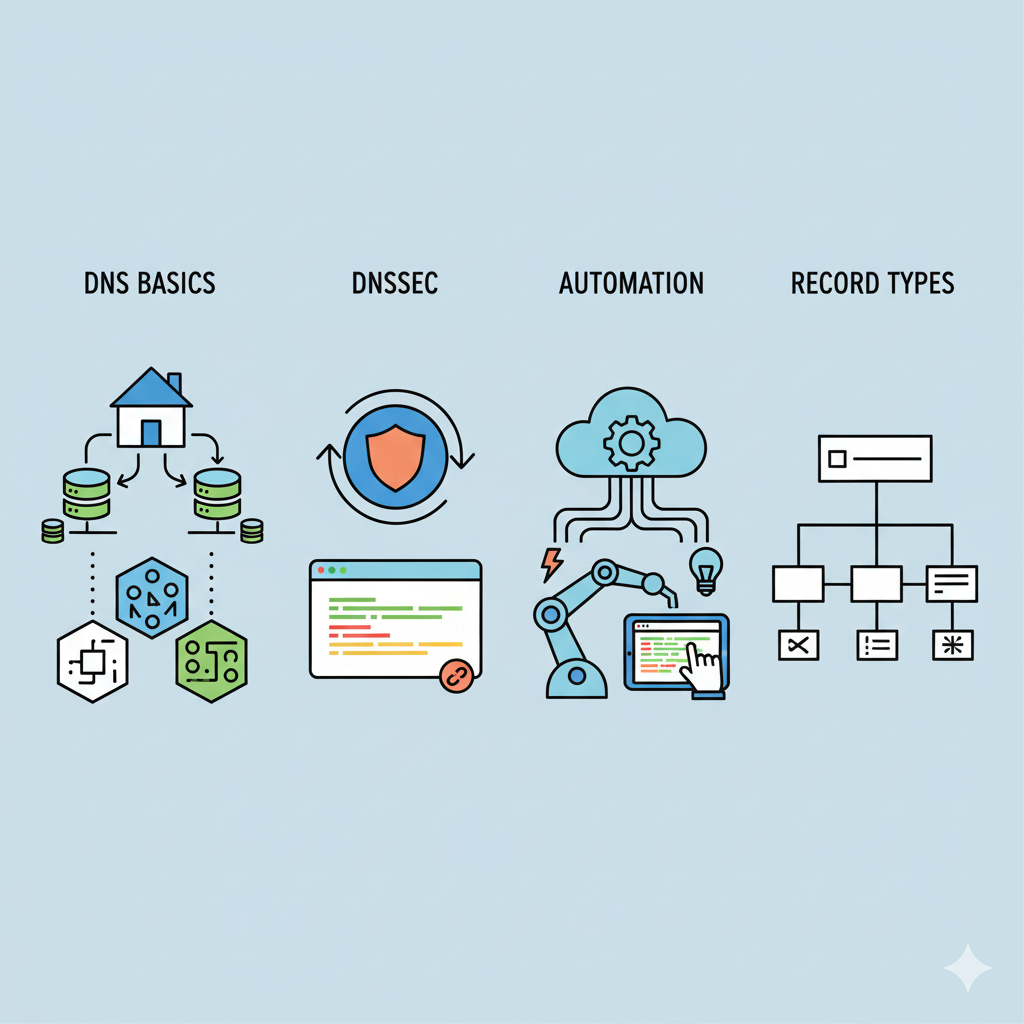
🖧 The Complete, Exhaustive Guide to DNS Records: From Basics to DNSSEC and Automation.
DNS (Domain Name System) is the fundamental system upon which the entire modern internet rests. It is not merely a "phone book," but a complex, distributed database that translates human-readable names (e.g., google.com) into technical identifiers such as IP addresses, mail servers, security policies, and even geographical coordinates. Incorrect DNS configuration is one of the most common causes of website downtime, email delivery issues, and security vulnerabilities.
Read More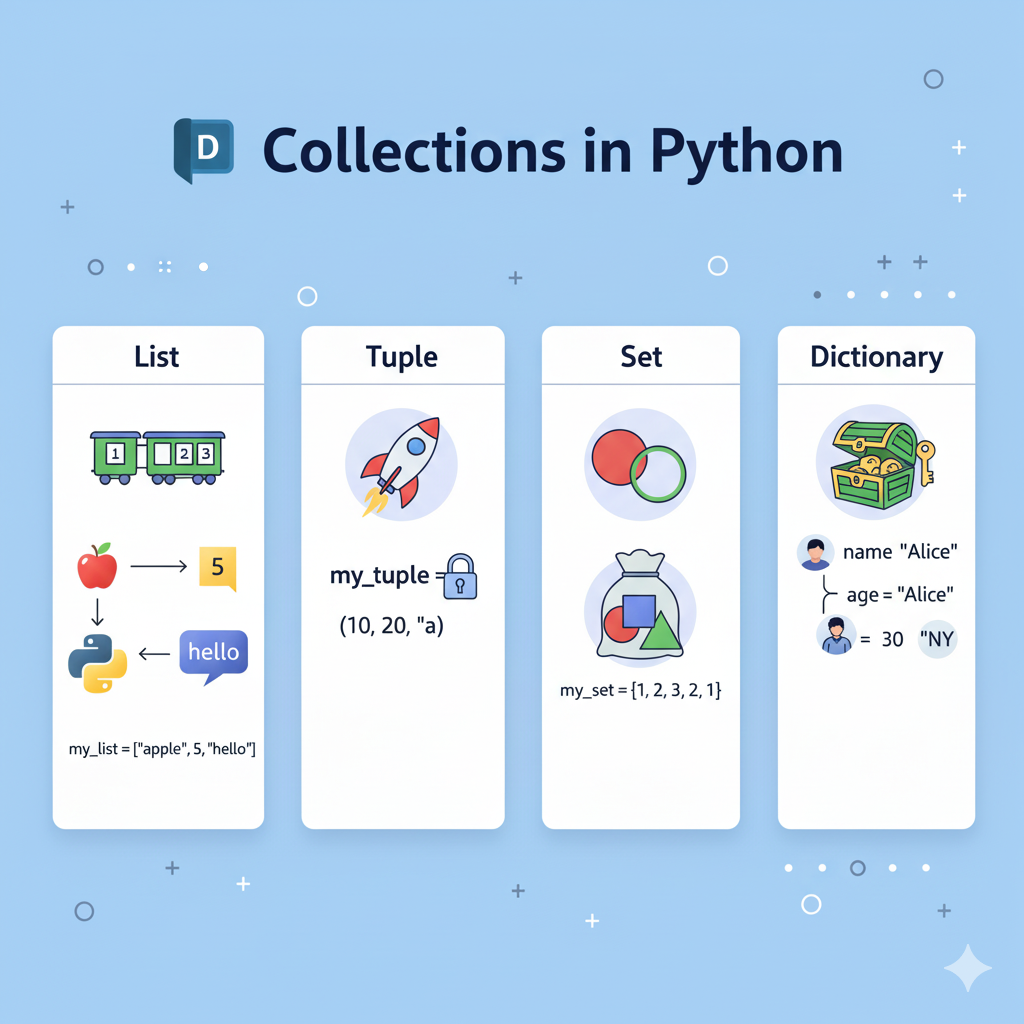
📘 Collections in Python
A collection is a structure that brings together multiple objects in a single container, making it easy to work with and manage the data. It makes the code clearer and simplifies information processing.
Read More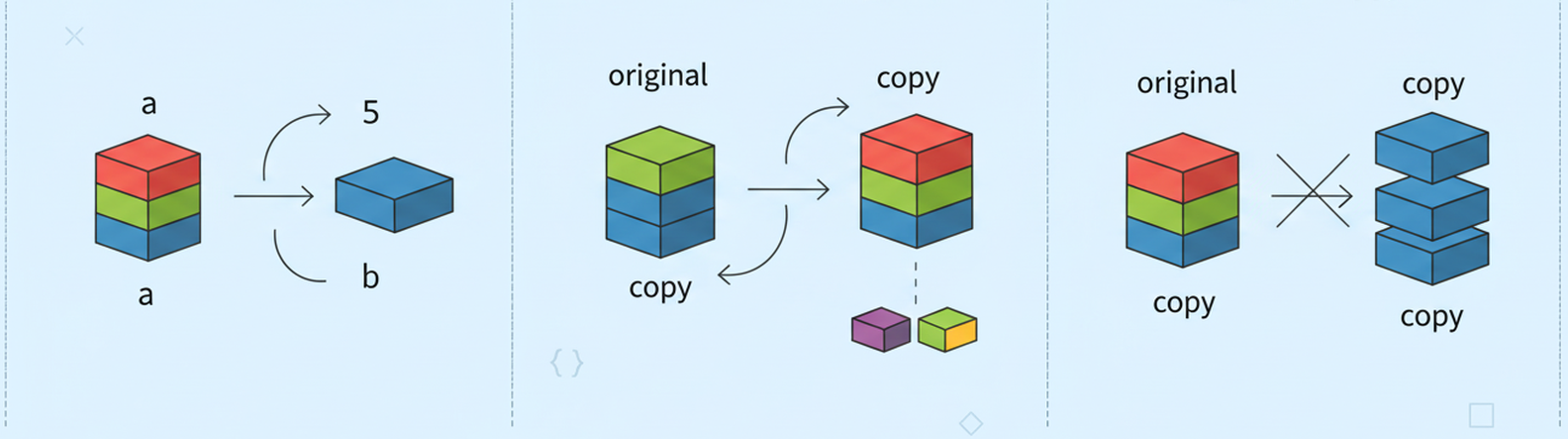
Copying Objects in Python.
Object copying is a fundamental concept in Python, and misunderstanding it often leads to hard-to-find bugs. When you modify one object and another one changes unexpectedly, the problem likely lies in how it was copied. Let's get to the bottom of this once and for all.
Read MorePython Classes, OOP & Context Managers: Complete Guide
Classes are a core mechanism of OOP. A class is a blueprint for creating objects with attributes (data) and methods (functions). Objects created from a class are called instances. Classes help structure code, improve reusability, and simplify maintenance.
Read More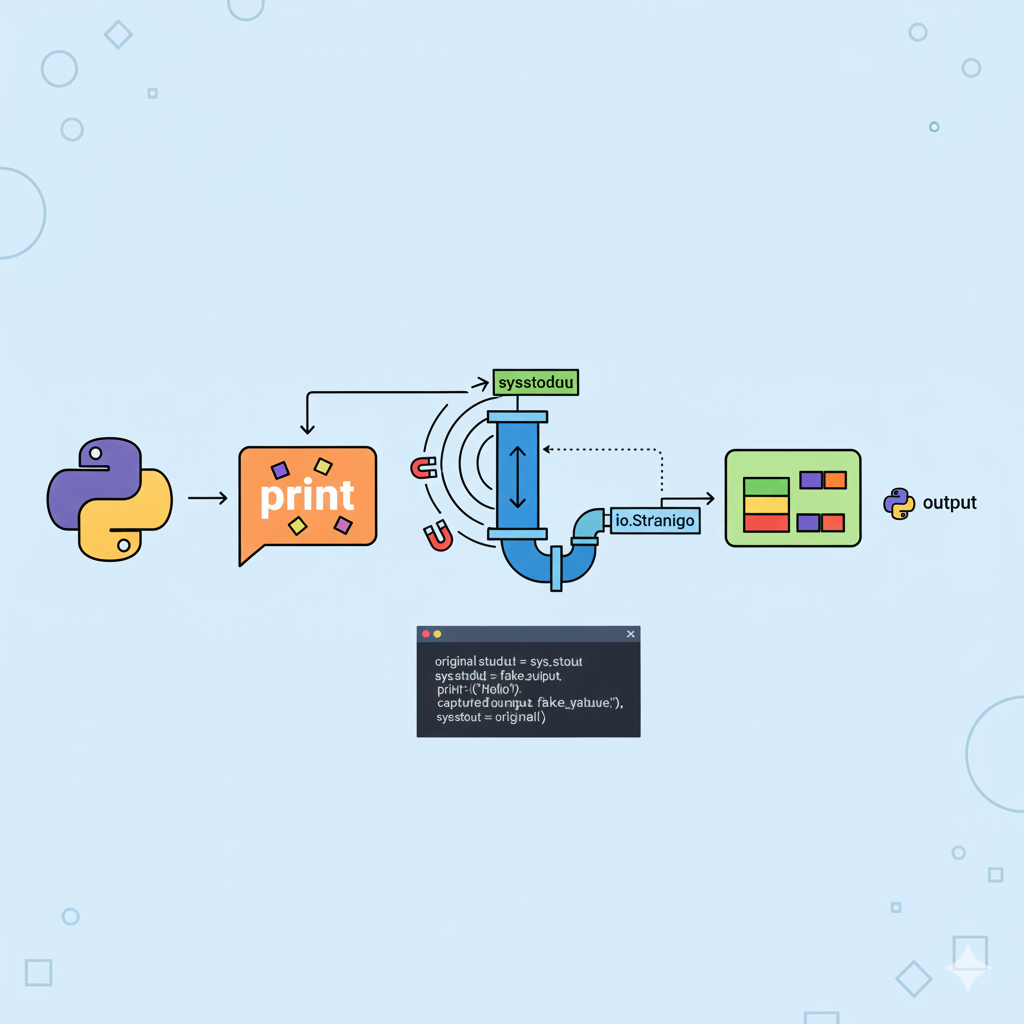
🧲 How to Catch print() in Python: Capturing stdout Without External Libraries
In Python, you can intercept what gets printed to the screen via print(). This is useful for testing, debugging, logging, or suppressing noisy output. We’ll show you how to do this elegantly — using only the standard library and a few lines of code.
Read More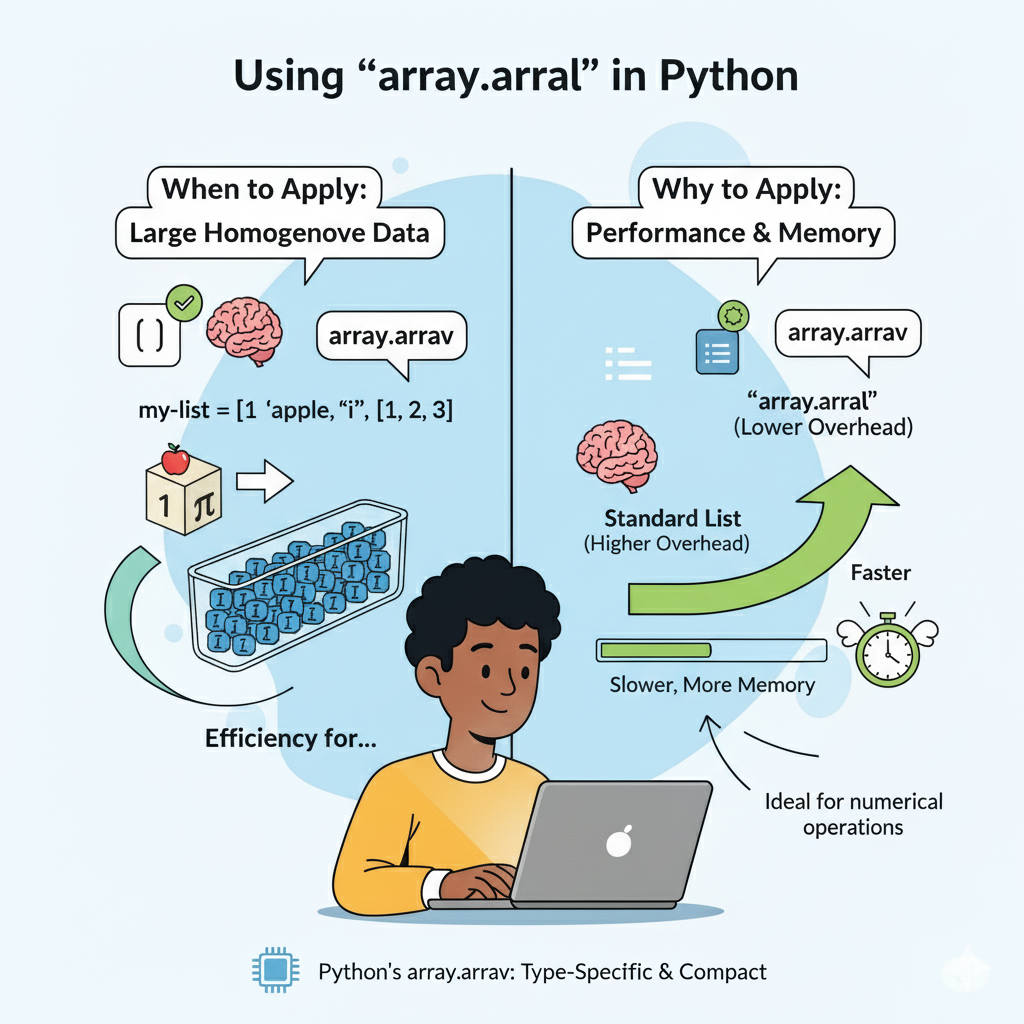
🧑💻 Using array.array in Python: when and why to apply
Module array provides a specialized data type array.array for storing sequences of homogeneous numbers. Unlike the universal list, array.array arrays provide more efficient memory usage and increased performance when working with numerical data.
Read More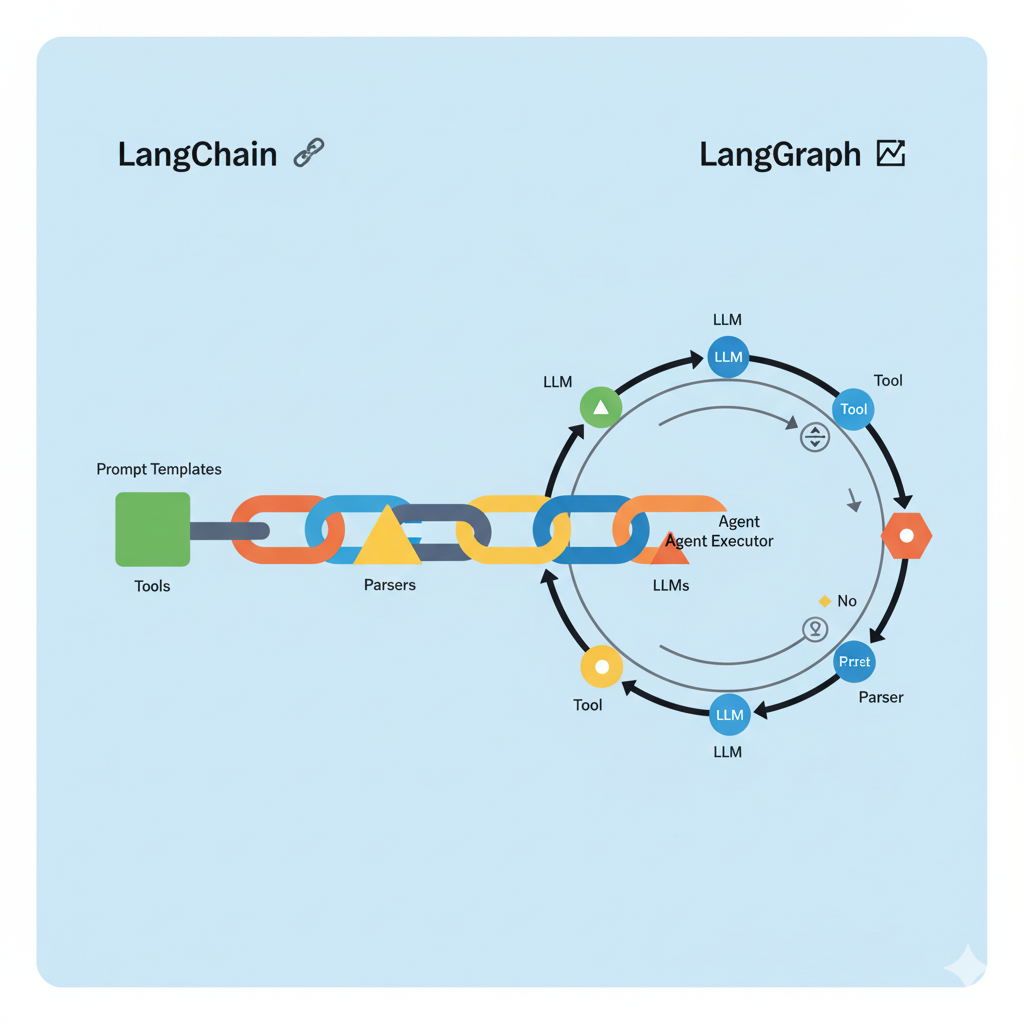
LangChain and LangGraph
Imagine you're building something with LEGO. You have individual bricks (motors, wheels, blocks), but by themselves, they are just parts. To assemble a working machine from them, you need instructions and an understanding of how to connect these parts together.
Read More
What is GitHub CLI?
GitHub CLI (short for gh) is a command-line tool that allows you to work with GitHub directly from your terminal. With it, you can manage repositories, issues, pull requests, releases, and other entities without going to the GitHub web interface.
Read More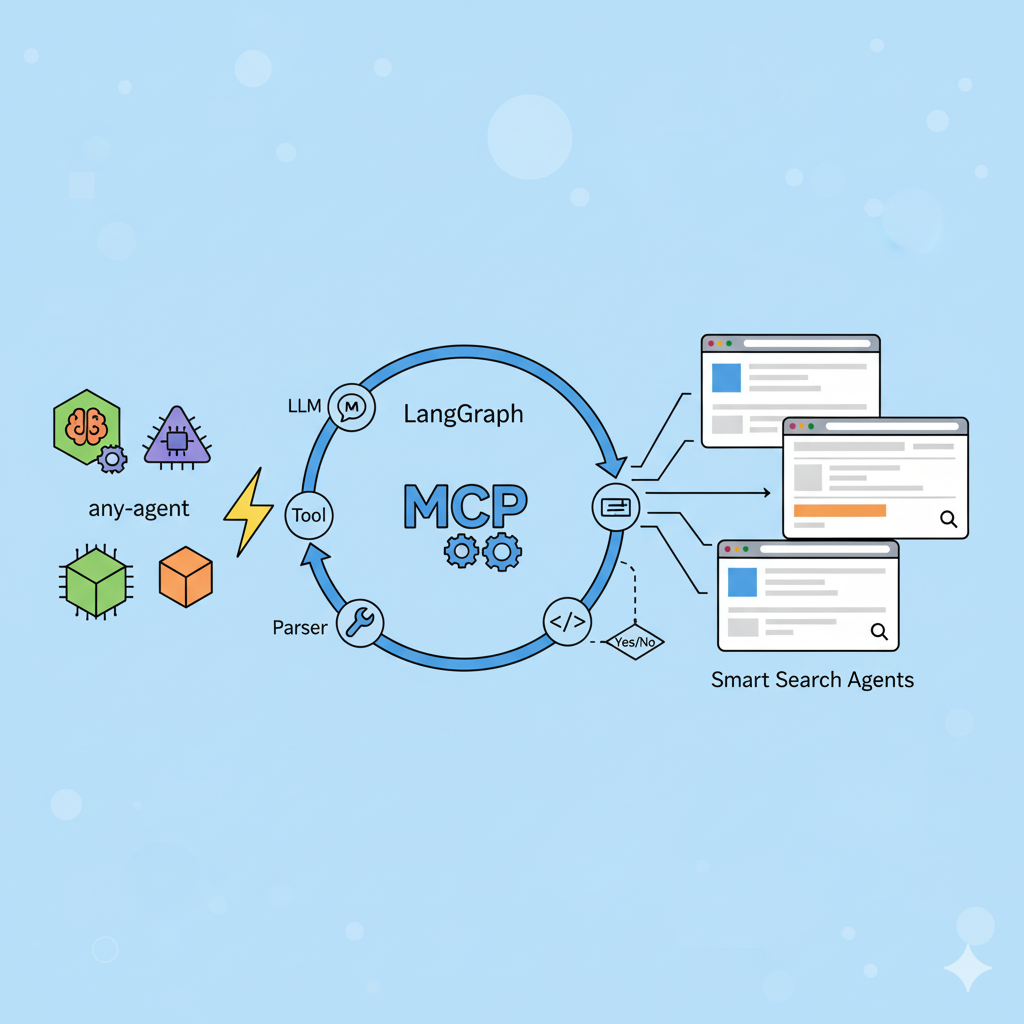
A Practical Guide to Building AI Agents with LangGraph and MCP
This article is a practical guide for developers on creating autonomous AI agents in Python. We will not repeat the theory of what LangChain and LangGraph are. Instead, we will focus on code, architecture, and solving real-world problems.
Read More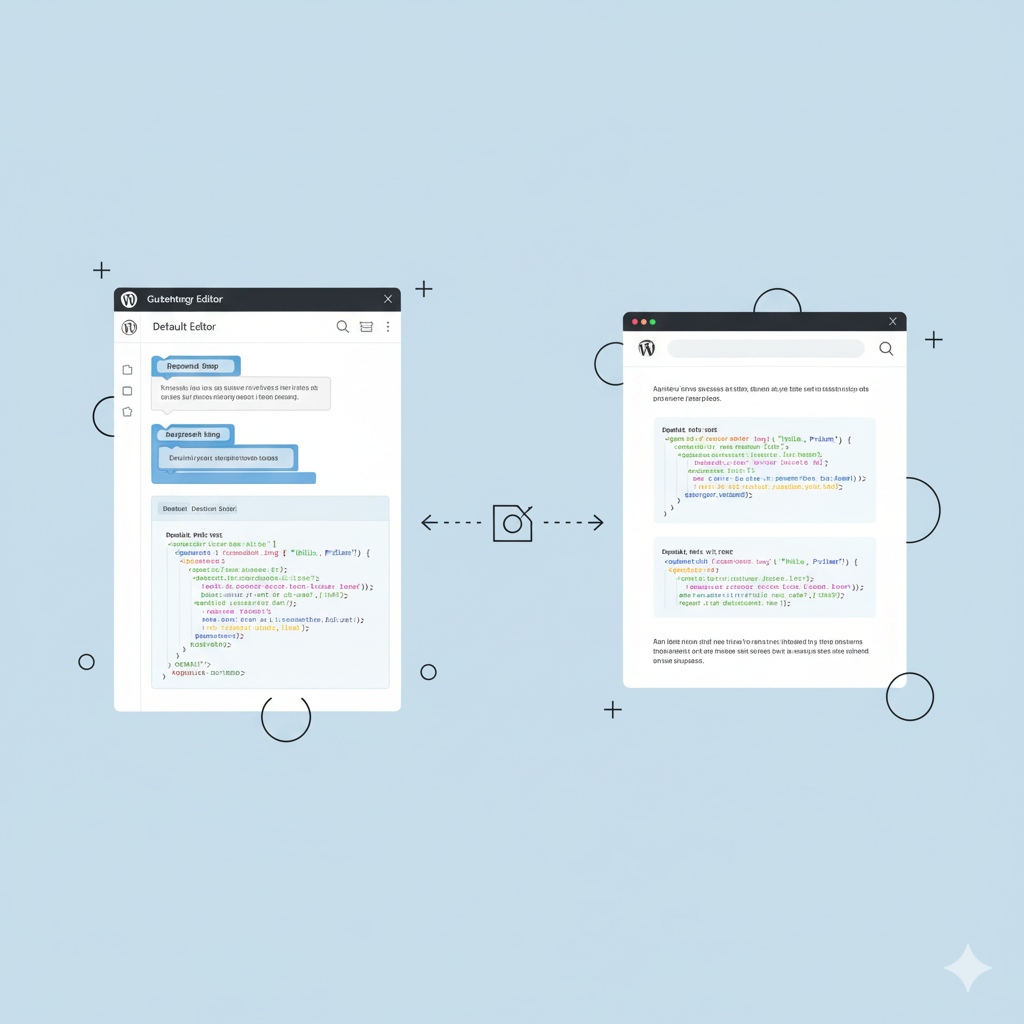
How to Integrate the Gutenberg Editor with Prism Syntax Highlighting in WordPress
The standard "Code" block in the Gutenberg editor is a spartan tool. It displays code in a monospaced font but doesn't offer syntax highlighting, line numbering, or a convenient copy button. This makes reading code on the page tedious and the site look less professional.
Read More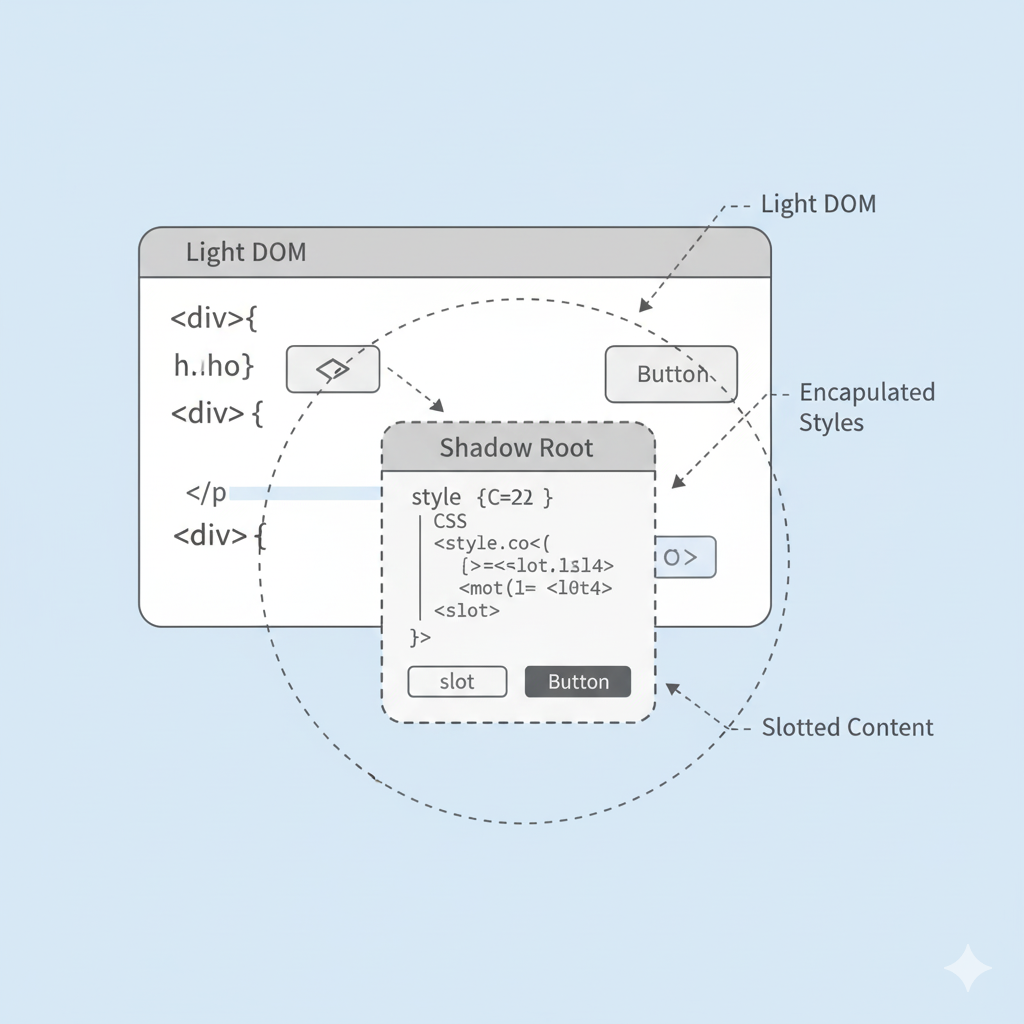
Shadow DOM — “DOM inside DOM”
The Shadow DOM provides a way to create a “DOM inside DOM,” allowing developers to encapsulate a component’s internal structure and styles, protecting it from external JavaScript and CSS. This ensures predictable behavior, safe nesting of custom elements, and isolation, making complex reusable components robust and maintainable.
Read More
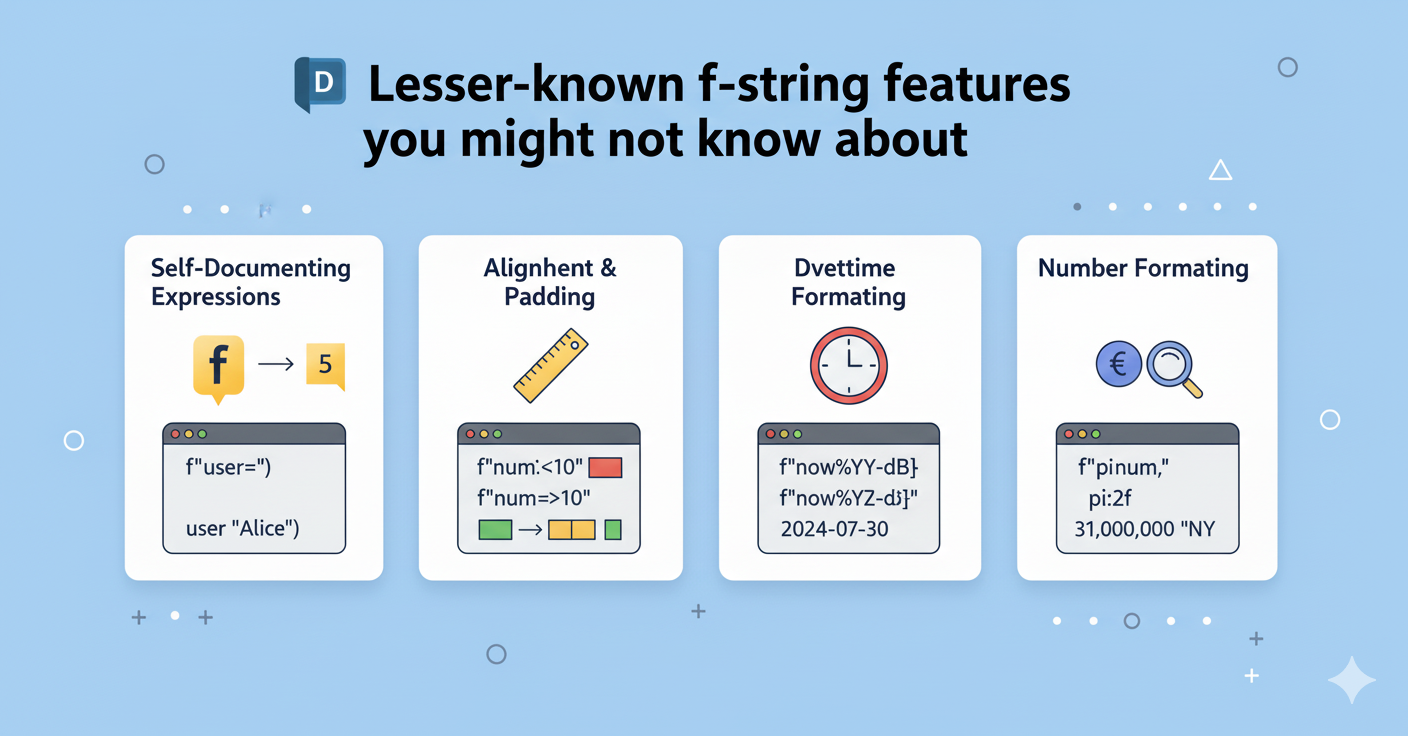
Lesser-known f-string features you might not know about
F-strings are a modern and convenient way to embed variable values and expressions directly into string text. To create an f-string, you simply place an f before the opening quote. Inside the string, you can insert variables by wrapping them in curly braces {}, and Python will automatically replace {variable} with its value.
Read More
any-agent + Tavily for Building Smart Search Agents
In the modern world of AI agents, one of the main challenges is access to up-to-date information. Most language models are trained on data with a specific cutoff date and cannot provide information about recent events, current prices, or news. In this article, we will explore how to solve this problem using a combination of any-agent (a universal library for working with agents from Mozilla.ai) and Tavily (a specialized search engine for AI).
Read MoreUpdate PowerShell to the latest version.
You can update PowerShell to the latest version in several ways directly from the command line. Below are the most common and convenient methods.
Read MoreWhat is Microsoft Olive? A Guide to AI Model Optimization
Microsoft Olive (an acronym for ONNX Live) is an open-source framework from Microsoft designed for the optimization of artificial intelligence models. Its primary goal is to simplify and accelerate the process of preparing machine learning models for real-world deployment, regardless of the target hardware—whether it’s a CPU, a powerful GPU, or a specialized NPU (Neural…
Read More
📡 How to Use WebSocket to Receive Real-Time Data with PowerShell
Modern applications require real-time data, for example, stock and cryptocurrency quotes, sports results, online chats, IoT devices, and notifications. Traditional HTTP requests are inefficient: the client is forced to constantly poll the server, wasting extra traffic and waiting for updates.
Read MoreGemini CLI Cheatsheet
gemini-samples/gemini-cli-cheatsheet.md at main · philschmid/gemini-samples The Gemini CLI is an open-source AI agent that brings the power of Gemini directly into your terminal, allowing you to perform a wide range of tasks such as coding, problem-solving, and task management using natural language. This cheatsheet provides a quick reference for installing, configuring, and using the Gemini…
Read MoreWhat is ONNX (Open Neural Network Exchange)?
ONNX (Open Neural Network Exchange) is an open standard designed to unify and exchange machine learning models. Launched in 2017 by Microsoft, Meta (formerly Facebook), and AWS, it addresses a key problem in AI: the lack of compatibility between different frameworks (such as PyTorch and TensorFlow), tools, and hardware platforms.
Read More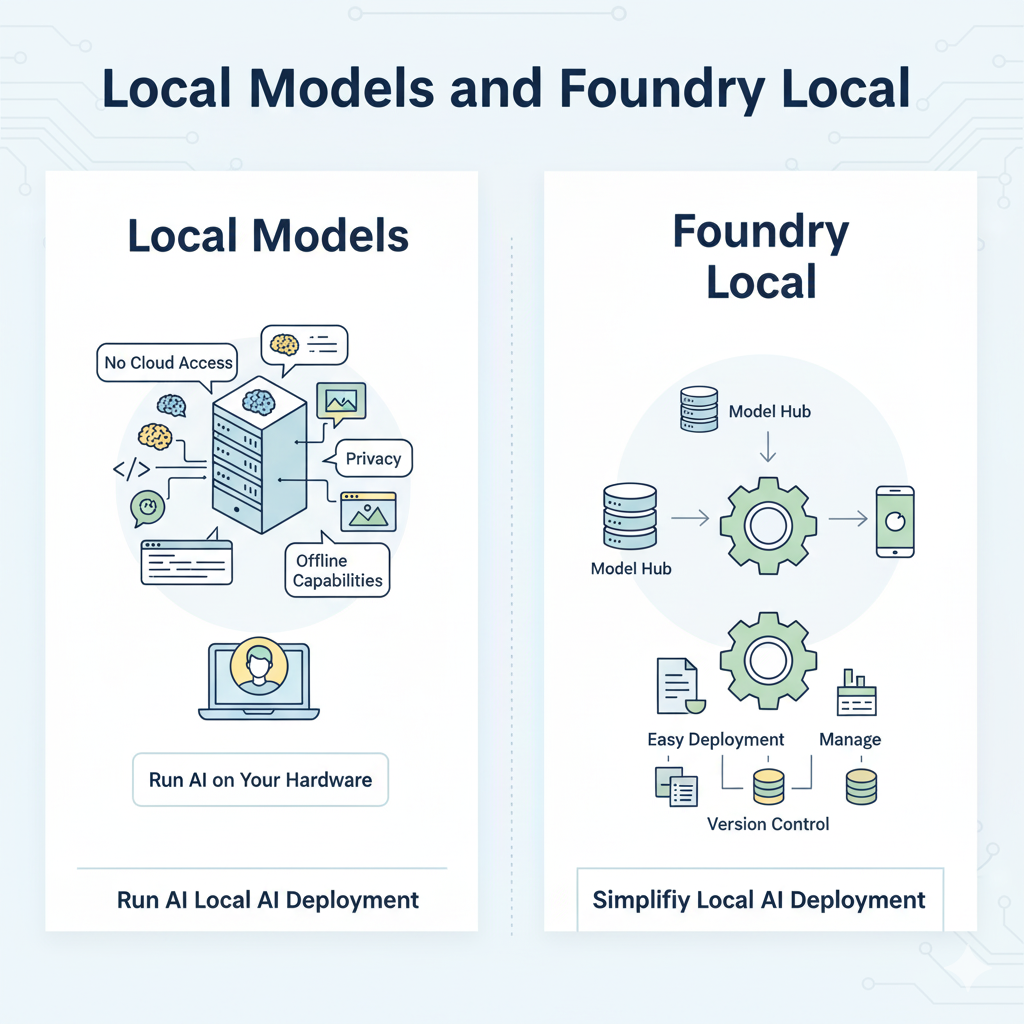
💻 Local Models and Foundry Local
Local models are great because, after the first download, you can use them anywhere — no internet required. Everything you work with stays on your device, and no “big brother” sees your data or queries. Responses come without the usual delays associated with cloud services, and computing costs are reduced to the price of electricity, since everything runs on your own hardware.
Read More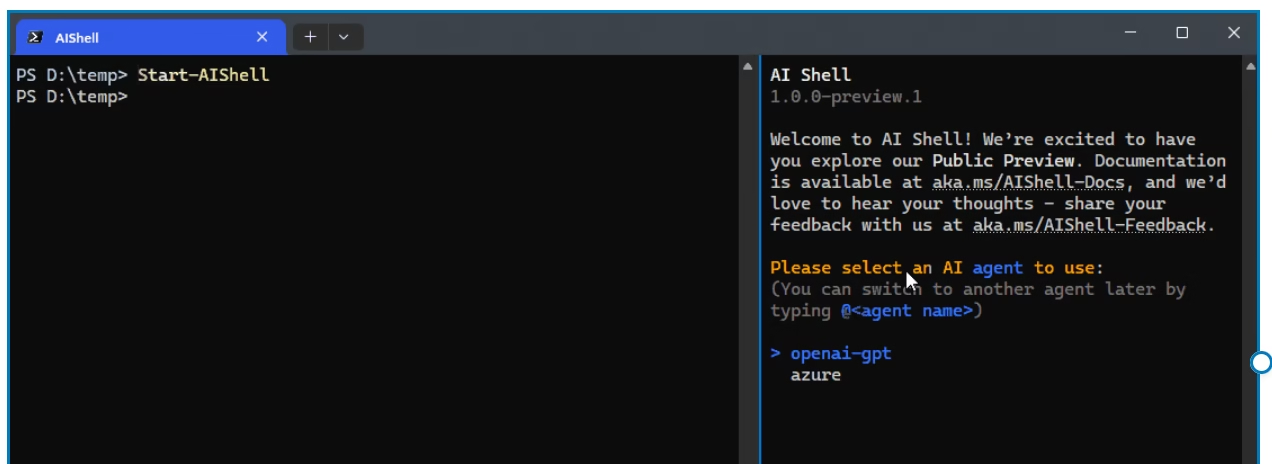
Get started with MS AI Shell in PowerShell
AI Shell is a tool from Microsoft designed to simplify working with PowerShell. It integrates directly into the command line and uses Microsoft language models (Phi, Copilot) powered by Azure AI to help find commands, fix errors, and understand output.
Read More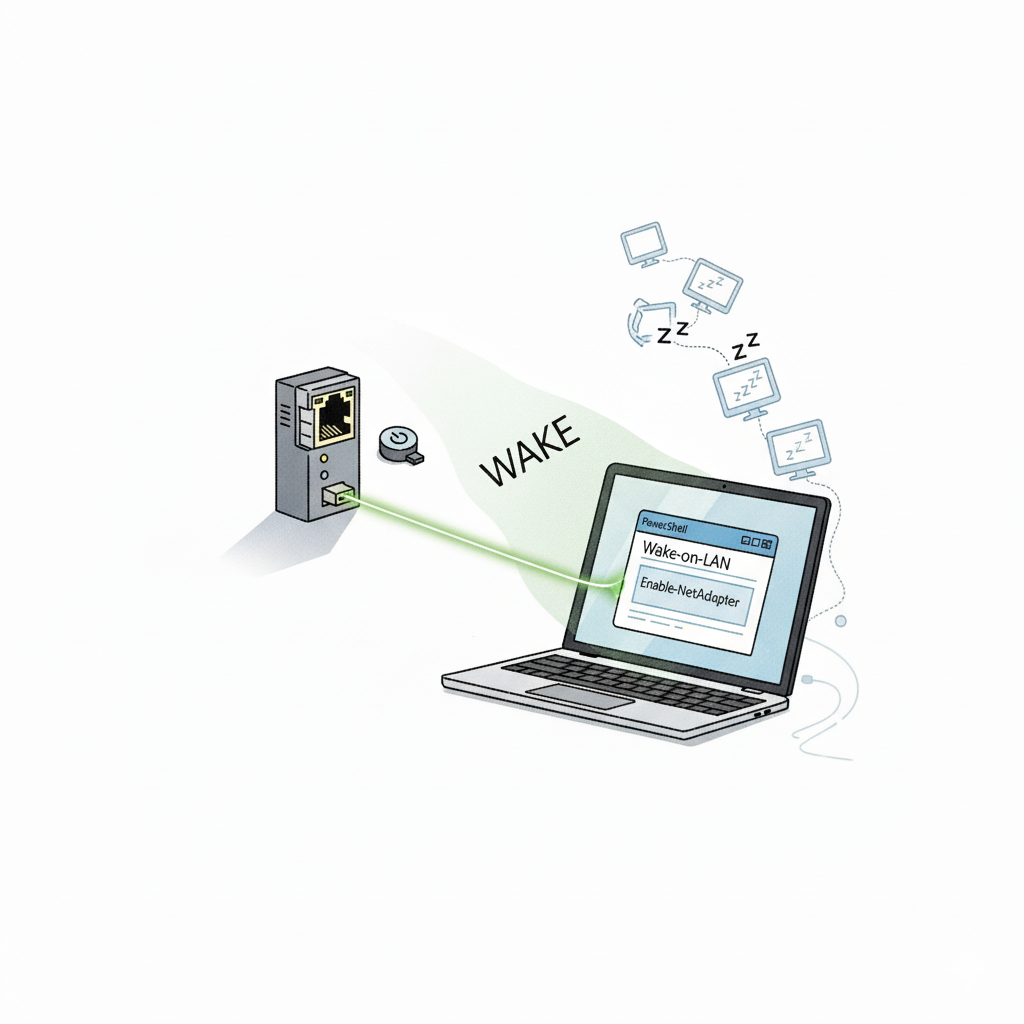
🌐💻⚡ Managing Network Adapter Power Wake-on-LAN with PowerShell
A detailed guide to configuring Wake-on-LAN using PowerShell, covering basic commands and troubleshooting common issues arising from differences in network adapter drivers. Step 1: Device Identification. Before configuring Wake-on-LAN (WOL) for a network adapter, you need to accurately identify which device you are working with. For this, we use a PowerShell command that searches for…
Read More